Start with the concepts that make wowMD different: typed review, cross-version survival, reviewed Markdown for Obsidian, and the ticket you can hand to an AI.
Open Markdown without changing the original
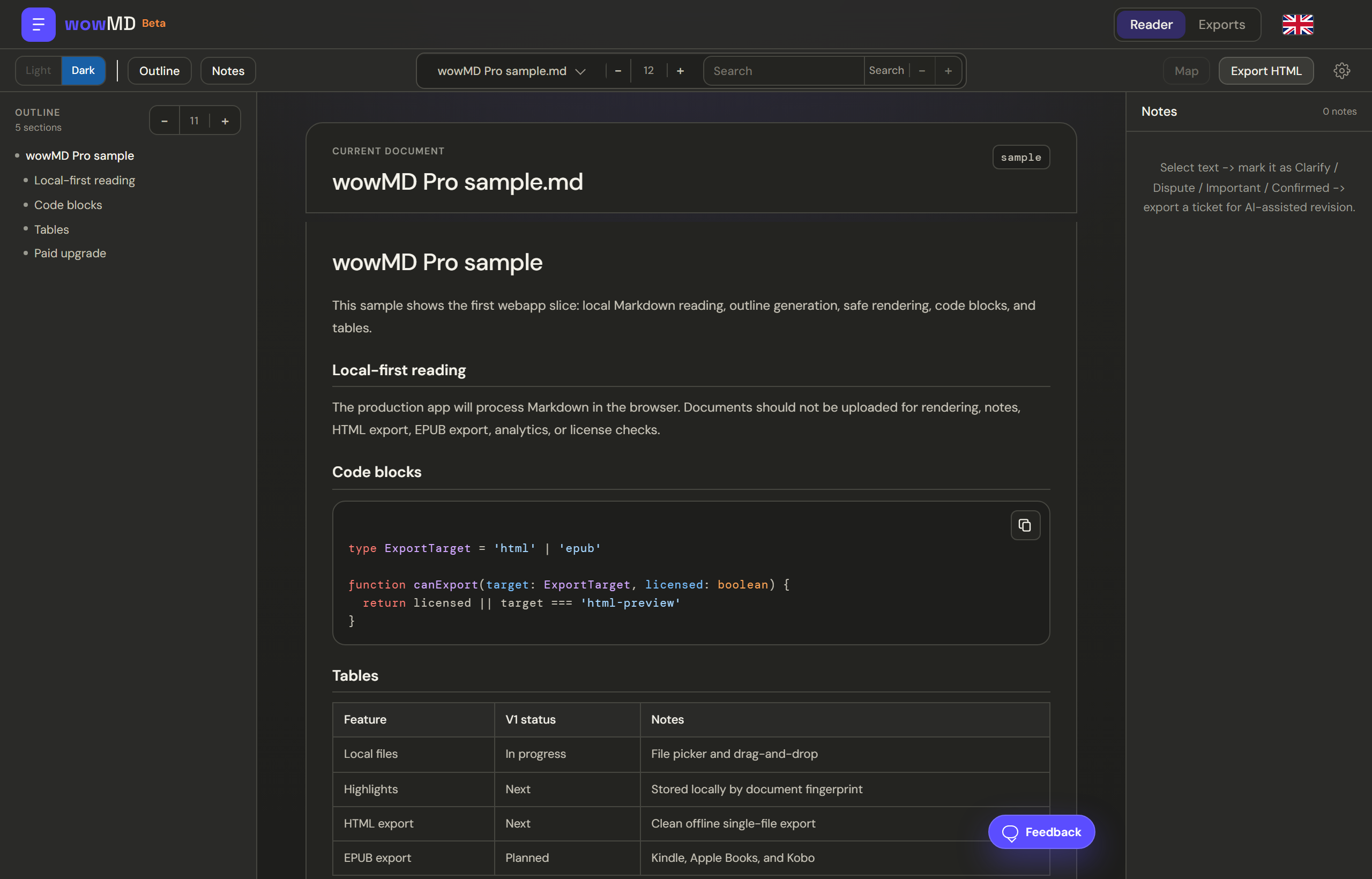
Open local .md or .markdown files by picker or drag-and-drop, or continue from supported public GitHub Markdown through the extension.
Source-safe review happens in the browser and never writes back to the original. Save reviewed copy creates a separate Obsidian-ready .md successor and carries annotations forward.
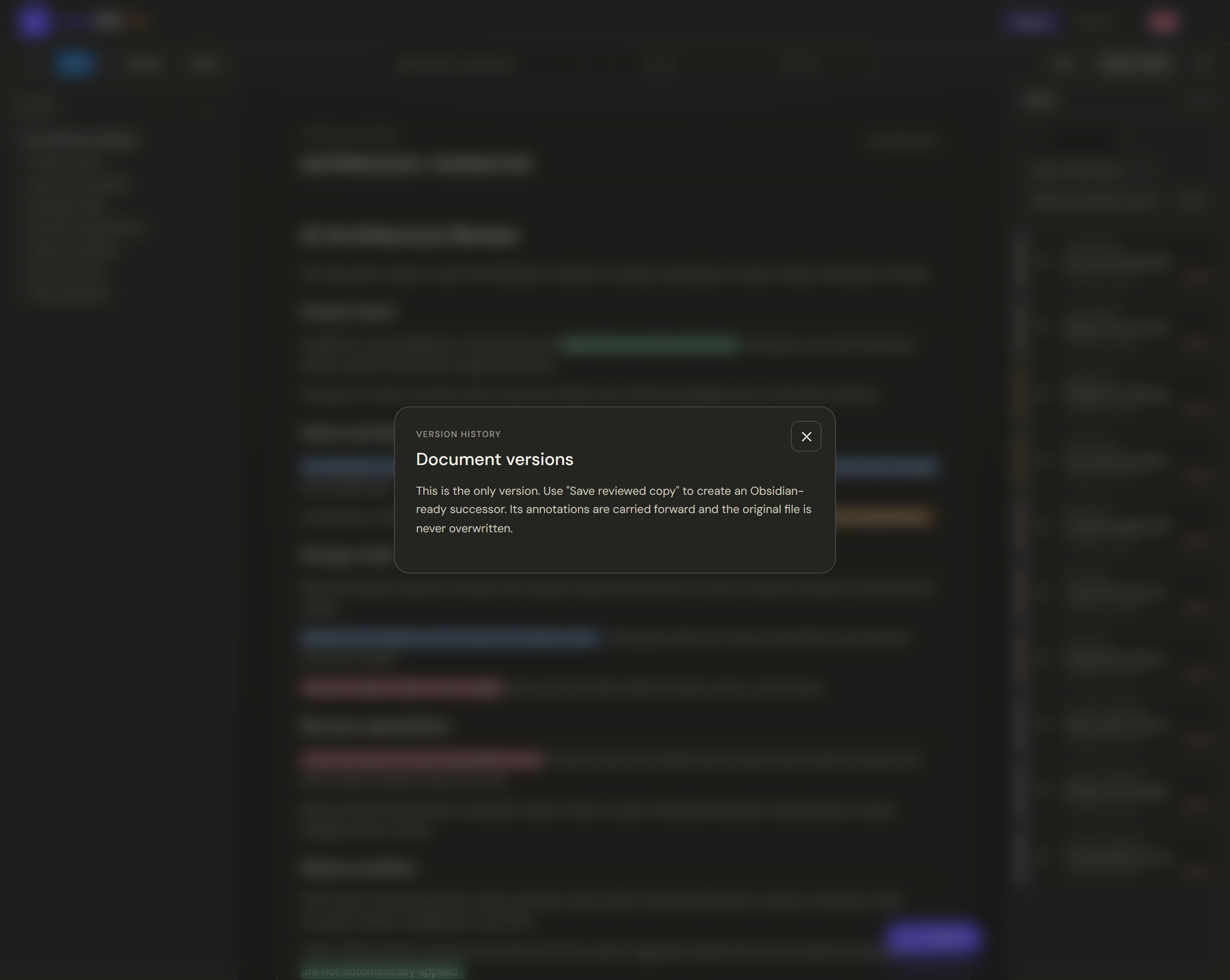
Version history lets you reopen browser-local successors created from the current document lineage.
Version history
Typed review: four judgments, not just colors
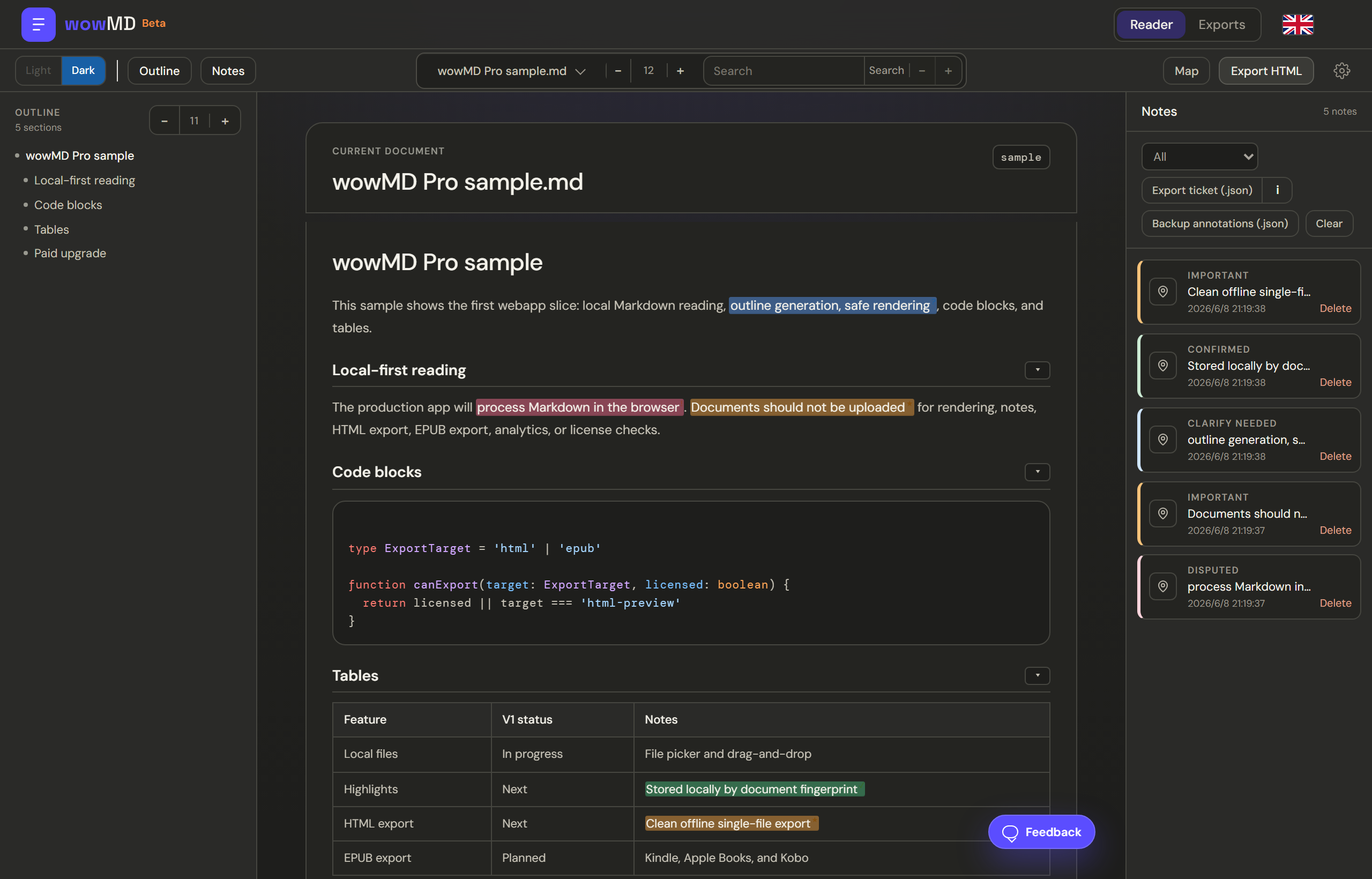
When you mark text in wowMD, you record a judgment with an implied action. These types drive the Notes panel, the Overall Review Map, and the Ticket JSON legend.
Clarify needed
Explain or clarify this point without changing its substance.
Disputed
Review this claim; it may be incorrect and may need correction.
Important
Keep and emphasize this key point.
Confirmed
Reviewed and correct; no action needed.
Cross-version survival
When the source document changes, wowMD tries to re-anchor your annotations to the same passage using the selected quote and surrounding context. If a passage truly disappears, the mark becomes orphaned and can be recovered manually with Find.
Re-anchoring is non-destructive. wowMD recalculates annotation positions; it does not write back to the source file.
Ticket JSON: your judgments as an AI work order
A ticket bundles the document snapshot, a bilingual type legend, section context, selected quotes, notes, and suggested replacements. It is different from Backup JSON, which stores raw annotations for backup and re-import.
Click
Open your AI tool of choice.
Paste the prompt below, then paste the ticket contents.
You are a careful Markdown document editor. I will give you a wowMD Ticket JSON.

Use ticket.document.markdownSnapshot as the only source draft. Read and obey ticket.executionContract, ticket.sections, ticket.confirmedZones, and ticket.lineageOutput when present.

Rules:
1. Process every item in ticket.tickets by id and sequence.
2. Use ticket.typeLegend and ticket.executionContract.typeOperations as the authoritative meaning of each type.
3. Locate each item by headingPath, sectionBody, quote, prefix, and suffix. If a location is ambiguous or missing, leave it unchanged and report it as unresolved.
4. Preserve unannotated content exactly unless ticket.executionContract explicitly allows a supporting local edit.
5. Prefer suggestedReplacement when present. Use note as reviewer intent, not as text to paste unless it clearly asks for wording.
6. If ticket.lineageOutput is present, append the requested wowMD document-meta block at the end. Omit bodyHash unless you can calculate it correctly.

Output:
First output the complete revised Markdown without omitting unchanged sections. Then output a short change list keyed by ticket id and sequence.

Ticket JSON:
<paste the exported Ticket JSON here>
Storage, backup, and recovery
Saved annotations and imported GitHub document copies use browser site data, not ordinary browser cache. Local files remain session inputs; wowMD stores their annotations by document fingerprint.
Clearing site data, private browsing, another browser, profile, or device, and storage eviction can remove browser-local work. Unsaved toolbar drafts can also be lost after refresh or crash.
Export Backup JSON for re-importable annotation data, Reviewed Markdown for human-readable review context, and finished delivery artifacts for long-term safekeeping.
Typical workflows
Choose the task. Follow the review path.
Each workflow connects a real source, the right review actions, where to focus, and the best delivery artifact.
Developer reading an open-source READMEFind setup commands, APIs, limitations, and warnings quickly.
01Open with the Chrome extension
02Navigate outline and fold sections
03Inspect commands, code, and tables
04Continue in Pro only when deeper review is needed
Best outcomeFast structured reading, with no export required
Product manager reviewing an AI-written specTurn vague or questionable content into an executable revision brief.
01Open the spec and scan its structure
02Mark Clarify, Dispute, Important, and Confirmed
03Use the Overall Review Map to find weak sections
04Hand precise revision instructions to AI
Best outcomeTicket JSON
Engineer reviewing a technical implementation planTie architecture risks and corrections to exact source passages.
01Search for APIs, modules, and migration steps
02Dispute risks and mark invariants Important
03Add notes and suggested replacements
04Deliver actions plus a readable review record
Best outcomeTicket JSON + HTML
Knowledge worker building an Obsidian knowledge basePreserve personal judgments without changing the source document.
01Open local Markdown
02Mark core ideas, questions, and trusted passages
03Save a separate reviewed successor
04Move the reviewed copy into the vault
Best outcomeReviewed Markdown for Obsidian
Developer iterating an agent skill or workflow instructionProtect verified rules while correcting ambiguity, conflicts, and missing failure handling.
01Inspect triggers, tool order, constraints, and fallbacks
02Type judgments and propose exact replacements
03Find review gaps and conflict-heavy sections
04Revise with AI, then review the next version again
Best outcomeTicket JSON + another review pass
Reader
Reader
Outline adapts to long heading titles, tracks your scroll position, and jumps to headings.
Fold
Search
Code, tables, theme, and font size
Annotate
Annotate
Selection toolbar
Notes stay linked to the passage and can include a suggested replacement without changing the source.
Filter by type
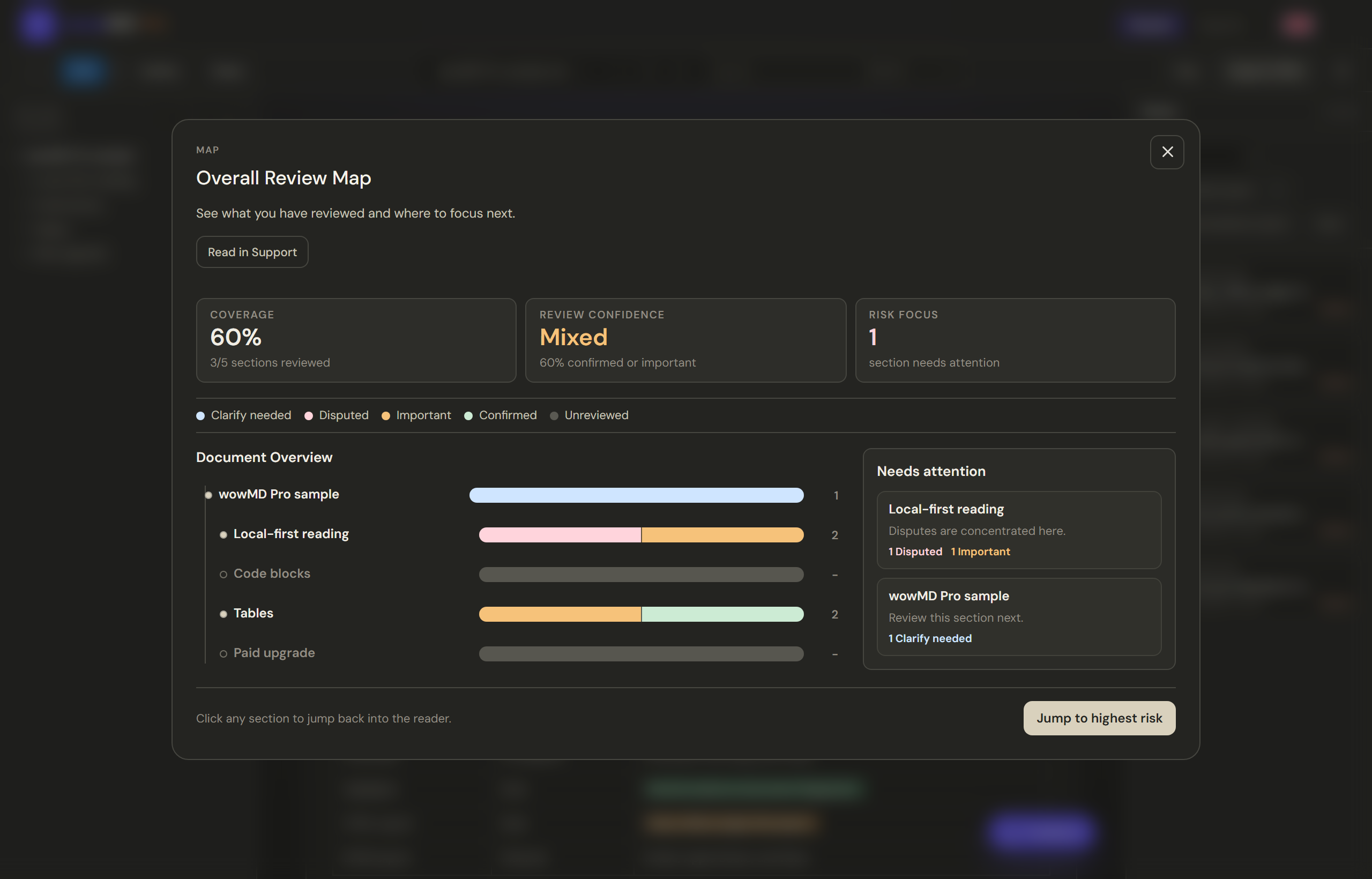
Overall Review Map
See section coverage, review confidence, risk focus, typed annotation distribution, and the sections that need attention next.
Overall Review Map
Export
Export
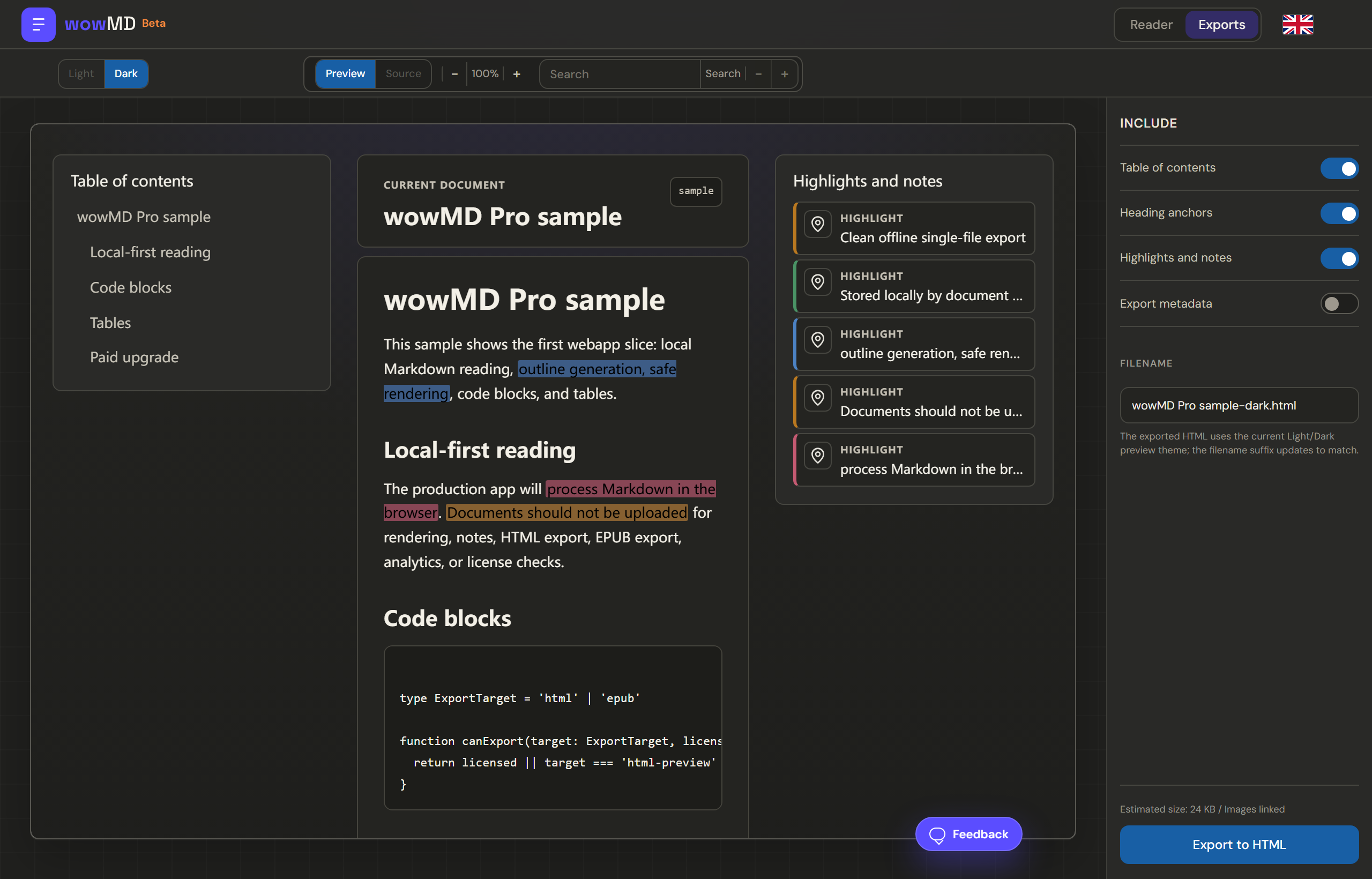
HTML export is for people: one offline-readable file with structure, highlights, and notes.
Reviewed Markdown is for Obsidian: a new .md copy with review callouts, tags, and properties. It does not edit the original or apply suggested replacements.
Backup JSON is for backup and re-import: raw annotation data.
Ticket JSON is for AI or an editor: a work order built from your typed judgments.
Settings
Settings
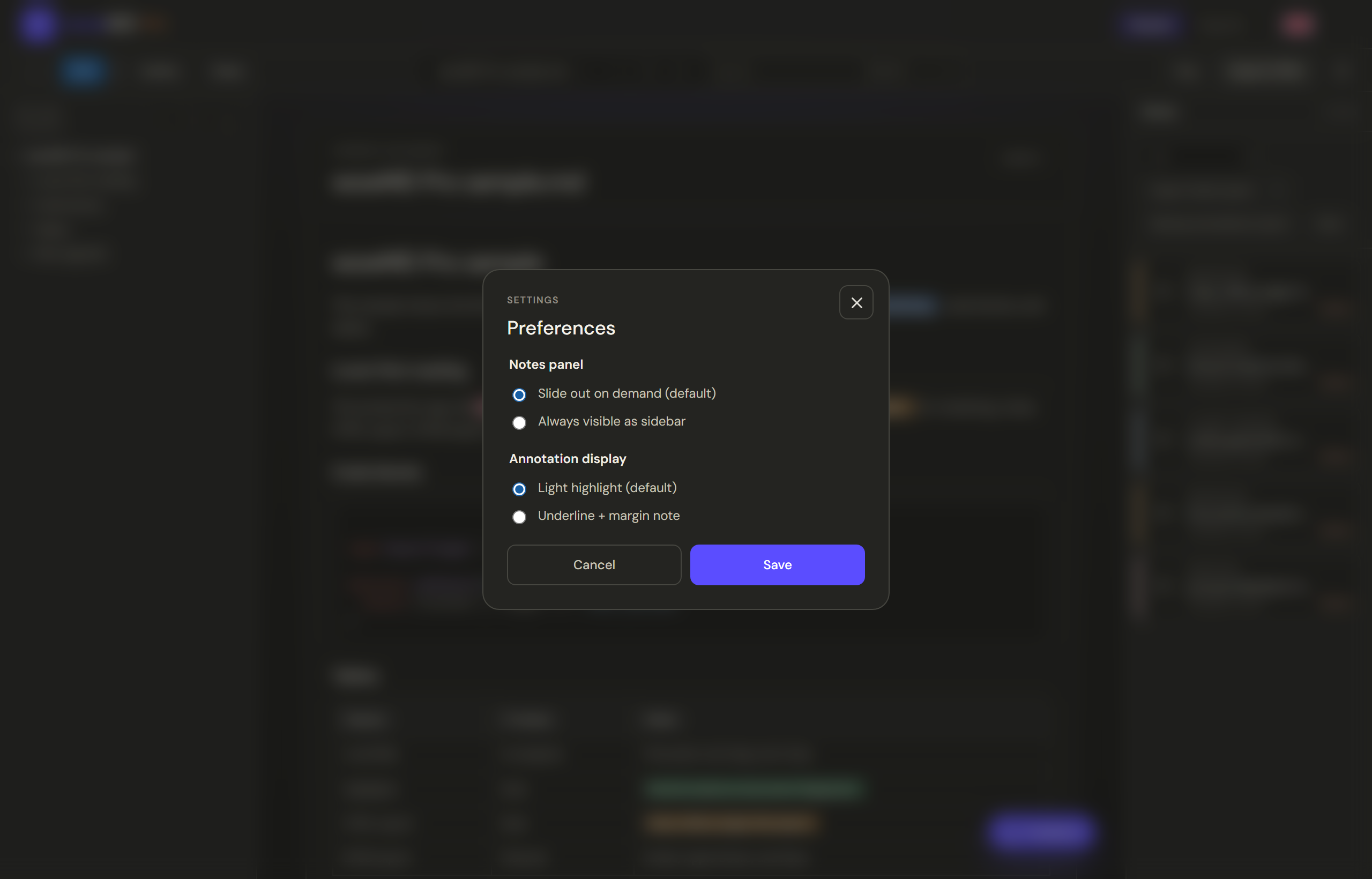
Choose whether the Notes panel slides out on demand or stays visible as a sidebar.
Choose light highlights or underline plus margin notes for annotation display.
Preferences are stored locally in this browser.
Feedback
Use this section for bugs, confusing wording, missing guide material, or workflow requests.
wowMD re-anchors annotations when the source changes. If a passage cannot be found, use Find from the Notes panel to recover it manually.
No. The review workflow is local-first. Files and annotations stay in your browser unless you export and share them yourself.
No. Saved annotations and imported document copies use browser site data. Export Backup JSON and finished review artifacts before clearing site data or moving to another browser, profile, or device.
Use HTML for people, Reviewed Markdown for Obsidian, Backup JSON to back up or re-import annotation data, and Ticket JSON when you want an AI or editor to act on your typed judgments.
Received
Thanks for helping make wowMD better.
We read every note. You will head back home in a few seconds.